
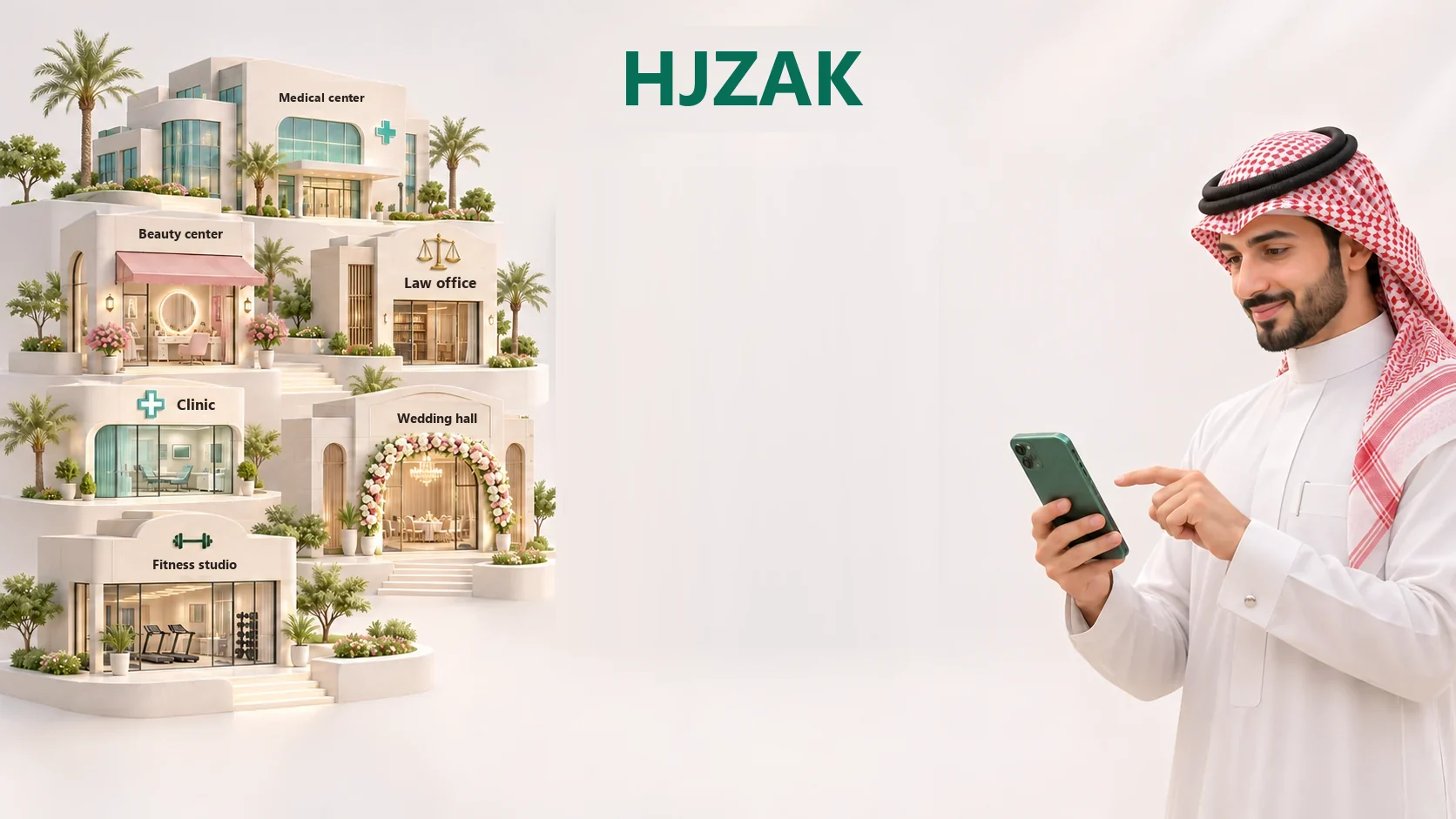
For service businesses and licensed individuals
Problems the platform solves
HJZAK is a platform specialised in appointment scheduling: it prevents lost appointments and double bookings, makes booking easy for your customers around the clock, and gives you tools to run your services and team from one place.
- 100 confirmed bookings free per branch, once
- Prices in Saudi riyals
- Platform subscription by card through Moyasar
- Customers pay the provider directly
Who is HJZAK built for?
Any business that serves customers by appointment
Service businesses of every kind
Salons, training centres, workshops, rest houses and more: any business that delivers its services by appointment.
Licensed individuals
A licensed coach, consultant, specialist or craftsperson who wants an organised schedule instead of scattered messages and calls.
Businesses with branches and teams
Branches, staff, rooms and equipment, each with its own working hours and permissions.
Booking by the hour or by the day
Services where the customer chooses the length: set hours, or a stay of one to several days, priced per hour or per day.
Problems you know, ready solutions
What costs you time and appointments, and how HJZAK handles it
The problem
Appointments lost between messages and calls
The solution
Every booking is recorded in one schedule with a reference and a confirmation, so no appointment is lost and no customer forgotten.
The problem
Double bookings and schedule conflicts
The solution
Working hours, leave and breaks are applied automatically and capacity is re-checked at confirmation, so the same time is never booked twice.
The problem
Customers who cancel or do not show up unannounced
The solution
A reminder before the appointment, cancelling and rescheduling by the customer through a secure link under your policy, no-show tracking, and a waitlist that offers a cancelled time to those waiting.
The problem
Phone numbers for bookings and appointments that nobody answers, especially outside working hours
The solution
Customers book for themselves at any time, and the booking is confirmed at once against the available times, or reaches you as a request for approval if you choose so.
The problem
Relying on WhatsApp: nobody replies, a booking cannot be confirmed, and connecting WhatsApp Business is hard
The solution
Create your account and services in minutes, and receive direct, automatic bookings without effort or complexity.
The problem
Many branches and you want to follow the bookings and the work in them, but there is no control panel for you as owner or manager
The solution
Connect all your branches in one business, set each branch's working hours, and follow the bookings from a single control panel.
The problem
Many people and businesses have no official website and no booking system
The solution
The platform gives you your own web page under your business name, with the design, colours and logo you choose, and a link of your own to publish and share with your customers.
The booking journey, step by step
From your customer’s first tap to the full picture on your side
- 01
The customer books from your page
From a link, a button or a QR code, in Arabic or English, from their phone and without needing an account.
- 02
The appointment is recorded where it belongs
It appears in your team’s schedule with its service, time and status, and capacity is re-checked at confirmation so a time is never taken twice.
- 03
The confirmation and reminder arrive
A confirmation with a booking reference, and a reminder before the appointment for your customer and your team.
- 04
The customer manages their booking
They cancel or reschedule through a secure link under your policy, and the freed time is offered to the waitlist.
- 05
You see the full picture
Bookings, completion, cancellations, no-shows and your most completed services, in one place.
What do you gain?
Benefits you feel in your daily work
Strengthen your sales
A booking page in your business’s name that you share on WhatsApp, social media and your website, plus session packages and gifts that bring customers back.
A better experience for your customers
Customers book from their phone in Arabic or English in a few steps, without needing an account, receive a confirmation and a reminder, and manage their booking themselves.
Direct booking with your business
Customers book directly with you, and each business’s data stays isolated from every other.
Real features, working today
Everything below is available in your workspace once you create an account
Accurate availability, no conflicts
Working hours, leave, breaks and maintenance are applied automatically, and capacity is re-checked at confirmation.
A booking page in your name
Theme, colours, logo, photos, news, FAQ and policies, in Arabic and English, built for mobile.
A link, a button and a QR code
An easy booking link, a ready button for your website, a printable QR code and a message ready to share on WhatsApp.
Confirmations and reminders
A confirmation with a booking reference and a reminder before the appointment for your customer and your team.
Team, resources and branches
Staff, rooms and equipment with skills and capacity, and permissions per role and branch.
Requests and approvals
Instant booking or requests you approve, plus manual phone and walk-in bookings under the same rules.
Waitlist
When a time is cancelled it is offered to customers who are waiting, and the first to accept books it.
Packages and gifts
Session packages with a price and validity, recorded as sold at the counter, and giftable to another customer.
Verified reviews
A review can only be written after a completed booking, and you can reply publicly.
Operational figures
Booking counts, completion, cancellation and no-show rates, and your most completed services.
Questions at booking
Ask customers what you need before the appointment, and request optional attachments when needed.
Contact on WhatsApp
A contact button on your page and confirmations, and ready replies you copy into the WhatsApp Business app.
Check-in by QR code
A code printed at reception: the customer scans it and enters their booking number, and their arrival is recorded.
Reports ready to print
Six types of reports for a period you choose, printed or saved as PDF.
Privacy by design
We do not ask for health data, you can hide the service name in customer messages, and customers can delete their personal data.
Work out your cost by your branches
Type how many branches you have on the prices page to see each plan's price and which costs you least. The more branches you add, the less you pay on average per branch.
Clear plans
Each plan has a base price that includes a number of branches, and a branch beyond them has its own price. Everything a plan includes is written in front of you before you subscribe.
100 free confirmed bookings per eligible branch
A one-time introductory allowance before the selected plan starts. See pricing and terms.
Help with using HJZAK
The help centre contains written answers about the platform. When the AI assistant is enabled, a separate conversation can answer HJZAK questions; it is distinct from the fixed answers.
Every screen answers an operating question
What you see in your workspace every day
Who has an appointment today?
The calendar and bookings show the week’s appointments and each booking’s status, with manual booking for phone and walk-in customers.
What is waiting for my approval?
Booking requests that need your decision, with a written deadline, after which the request lapses and the time is released.
Who is this customer and what is their history?
A file per customer: completed, upcoming and cancelled bookings, no-shows, and your internal notes.
How is this month going?
Booking analytics and reports for the period you choose. They count bookings, not money.
Is my page ready?
Readiness and verification show what is left before booking opens to customers and the status of your documents.
Follow your business without being there
The day’s details, kept in order for your team and for you
Every customer has a record
Their bookings, packages and your notes in one place.
Every employee knows their role
Owner, manager and staff, and you can limit a staff member to their branches.
Branches in one panel
Working hours per branch, and you follow the bookings from a single control panel.
Your data, isolated and in your hands
Each business’s data is isolated from every other, and the owner can export their data.
Start in four steps
From creating your account to your first booking
- 01
Create your account
With email or a Google account, then create a workspace for your business.
- 02
Set up your business
Add your services, durations, prices, working hours and team.
- 03
Complete verification
Complete your business’s readiness and verification for its type, then preview your page.
- 04
Share your booking link
Publish your page, share the link, button or QR code, and run your bookings from one calendar.
Payment, stated plainly
Customers pay the service provider directly for booked services using the agreed method. These payments are separate from the business’s HJZAK subscription.
You can optionally turn on online payment at booking, in full or as a deposit, through your own business’s Moyasar account so the money reaches you directly. This feature is off by default and is enabled for each business by the HJZAK team.
Platform subscriptions are priced in Saudi riyals, with final displayed prices. Each eligible branch gets its first 100 confirmed bookings free, once, before the selected plan starts. The introductory allowance is limited. See Pricing for plans and terms.
What to know before you start, plainly
We spell these out so what you expect matches what you get
Verification is a manual review
The business owner uploads their document and the platform team reviews it. “Verified by the platform” does not mean a government body has checked it.
Online payment is optional
It needs a Moyasar account for your business and activation by the HJZAK team, and is not available to your customers until then.
Not everything you might expect is here
There is currently no automatic WhatsApp sending, no link to the Zakat, Tax and Customs Authority e-invoicing, and no mobile app in your business’s name.
Deadlines and policies are your business’s settings
Cancellation and approval deadlines and the like are set by your business and shown to the customer before they confirm.
About us
HJZAK is a booking and service-operations platform. It lets businesses and licensed individuals take bookings and run appointments, team and resources from one place, in Arabic and English and on any device.
The business delivers the service and takes payment directly; HJZAK is a booking and operations tool and does not hold anyone’s money.
The platform is operated by AlfaX10 Technology Establishment, commercial registration no. 7051628134, Al Uyun, Ar Rabiyah, Saudi Arabia.
Start organising your appointments today
Create your account, set up your services and preview your page before your first booking. Subscription details are on the pricing page.